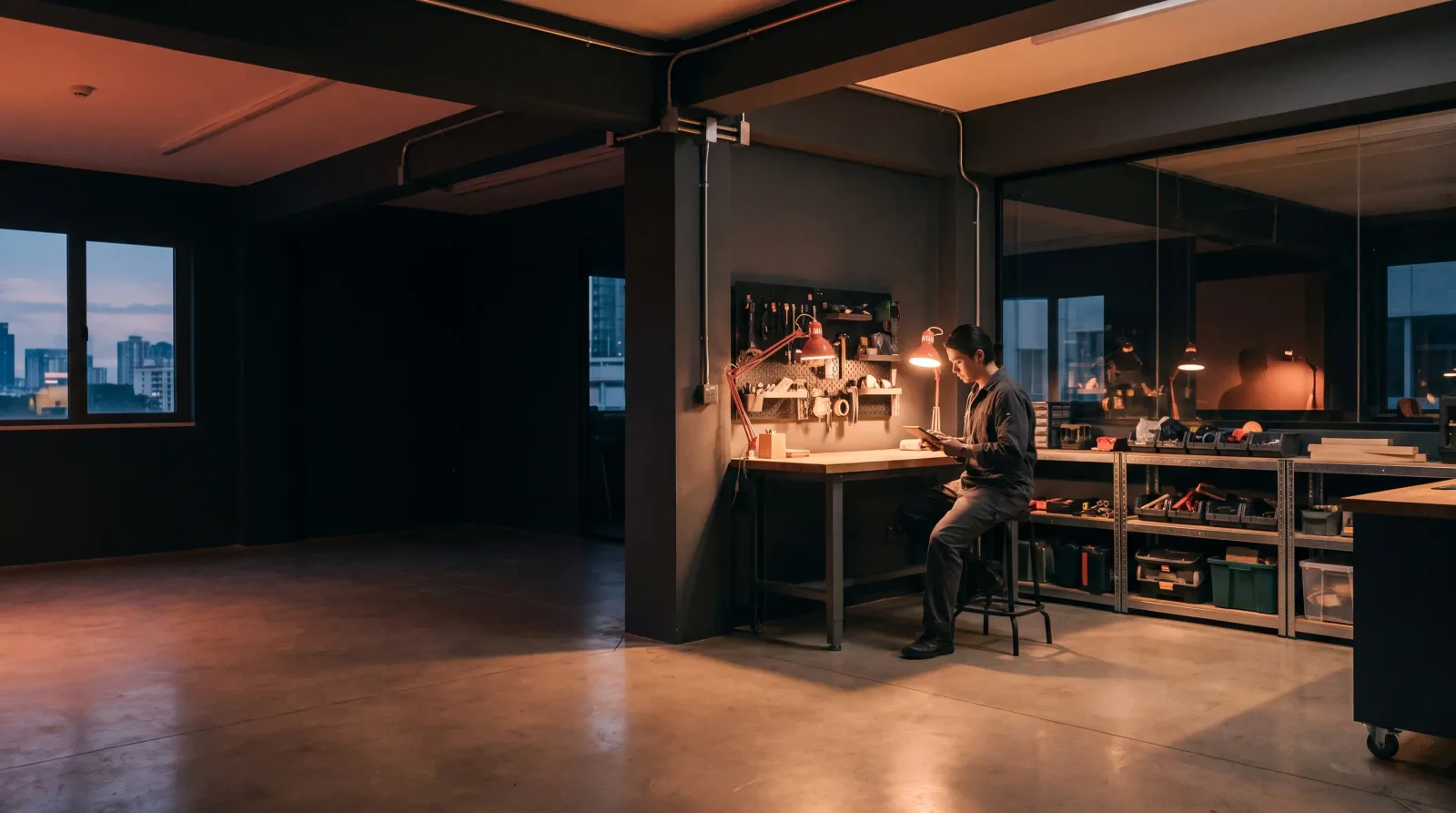
Illustrative scene, not a customer.
YOUR OPERATIONS. UNDER CONTROL.
Less chasing.
More done.
The follow-ups. The order checks. The client updates. The handoffs between teams. Put the repetitive work on autopilot, and see what’s happening in one place.
TyledHQ connects your workflows to a workspace your team can actually use. Built around your business by GSD Tech Solutions.
See how it works ↓Start with one process.
Build from there.
WORKFLOWS THAT RUNOPERATIONS IN VIEWFOLLOW-UPS THAT HAPPENPEOPLE WHO HELP
01 / FROM BUSYWORK TO A WORKFLOW
Work should move.
Without you pushing it.
An order lands. A survey needs a follow-up. Someone needs an update. TyledHQ connects the steps and gives your team a record of what happened.
EXAMPLE WORKFLOWSurvey follow-up
- 01
Pick up the work
A scheduled check finds the records that need attention.
Order or survey data - 02
Run the next step
Apply the agreed rules. Update a record or send the right follow-up.
Your process, connected - 03
Keep your team in view
See what ran and what needs attention. Bring exceptions to someone who can help.
Activity + attention items
Illustrative flow. Your triggers, systems, and rules are agreed during setup.
02 / ONE PLACE TO KNOW WHERE YOU STAND
The work runs.
You keep the picture.
No more piecing together updates from messages and spreadsheets. Your workspace shows the activity, the outcomes, and the work that still needs a person.
/ 01
Every workflow.
A clearer picture.
Move from the overall picture to the work behind it. Follow runs, see recorded outcomes, and find the details behind an update.
Workflow activityIllustration
Survey follow-upCompleted
Order checkCompleted
Record updateNeeds attention
A recorded outcome. A next step. A place to look.
/ 02
Your data.
Your dashboard.
Build a view around the metrics you need, using your available connected data. See the details behind each view and when source data was refreshed.
/ 03
Find the answer.
Skip the hunt.
Ask the assistant about your company’s recorded activity and open issues. Get help finding the right view, with customer access kept read-only.
“What needs our attention?”
/ 04
When it needs a person,
there’s a place for that too.
Notifications bring work to your attention. Support requests and replies stay in your workspace, alongside your services and setup steps.
Talk about your workflow03 / A PRACTICAL START
Bring the process
you’re tired of repeating.
You don’t need to arrive with a technical spec. Bring the task, the tools you use, and the places it gets stuck.
Book a call- 01
Map the work
Walk through one process with us. What starts it, who touches it, and what a finished job looks like.
- 02
Agree on the scope
We check your systems and define the workflow, dashboard, responsibilities, and price before work begins.
- 03
Put it to work
Connect the agreed systems, check the outcomes together, and give your team a clear view of the work.
BUILT AROUND YOUR WORK
Start where the follow-up gets stuck.
Remodeling teams
Keep open estimates in view and carry the agreed details into your next job.
Explore remodelingCommercial cleaning operators
Get service issues to the responsible supervisor and keep the recorded resolution in view.
Explore commercial cleaningHVAC companies
Keep technician recommendations and return-visit details moving after the service call.
Explore HVACPool service companies
Keep repair follow-ups moving between weekly visits and customer decisions.
Explore pool serviceLandscaping teams
Get extra-work requests quoted, decided and handed to the crew with the agreed scope.
Explore landscapingDental offices
Answer patient calls, book appointments, and send day-before email and text reminders.
Explore dental receptionRoofing contractors
Get signed jobs to production with the agreed scope and open questions in view.
Explore roofingTHE DETAILS
Good questions.
Straight answers.
What can TyledHQ automate?+
Start with repetitive operational work: survey follow-ups, order checks, spreadsheet updates, and team notifications. We review your process and systems with you, then agree on the workflow and what your team will see in TyledHQ.
Can I see what’s happening across my operations?+
Yes. The workspace brings together workflow activity, recorded outcomes, conversations, and items that need attention. Dashboards show the data available from your configured connections, with refresh timing tied to each source.
Do we have to replace our current tools?+
We start with the systems you already use. On the call, we check which connections are available and what needs custom work. A connection is confirmed as part of your scope, never assumed.
What does the assistant do?+
The assistant helps you find and understand your company’s recorded activity, issues, and available dashboard data. It is read-only for customers. It does not change business records or send messages on your behalf.
How much does it cost?+
Pricing depends on the workflows, connections, and support you need. Book a call to define the scope and get a proposal. There is no public self-service plan or checkout on this site.
What happens after I request a call?+
We review what you want to automate and contact you to arrange a conversation. We map one process, check the systems involved, and discuss a practical starting scope. Submitting the form does not start a subscription.
LET’S GET STUFF DONE
Your team has
better things
to do.
Start with the work that keeps coming back.
We’ll help you figure out what comes next.
A conversation. A clear scope.
No subscription starts here.